A geek’s thoughts on various stuff
14 Jul
Over a year after it began, the whole-house-audio project is complete. 4 rooms around the house can now be filled with the sound of any of (currently) 4 audio devices thanks to a mixture of hardware and software.
The project had a slightly rocky start, with a prototype not functioning at all and partly destroyed amplifier (which was thankfully fixable by replacing a couple of components). A software alternative was considered at one point, to avoid too much expensive hardware. The hardware solution proved to be less complex and more likely to work.
The living room, dining room, kitchen and master bedroom are host to a pair of speakers each, connected to matching 240W rack-mounted amplifiers housed in my home-made full-height 19″ rack cabinet. The cables that carry the audio signals to the speakers were installed along with 24 runs of CAT5 before moving into the house.
The audio is routed to the amplifiers via an 8×8 VAMS-0808 AV matrix switcher, which allows the 8 outputs to take their inputs from any of the 8 available sources. Only 4 of each are currently in use, so there’s plenty of room for expansion.
4 audio sources are connected via simple custom-altered CAT5 cables, which simply transmit line-level signals over the existing twisted pair infrastructure installed in the house. These sources are currently the DAB radio in the kitchen, the TV in the living room, the computer in the dining room (for playing CDs) and a second DAB radio in the master bedroom.
I’ve written the software to control it all using .Net (C# of course), running on mono on linux. There are four components to this:
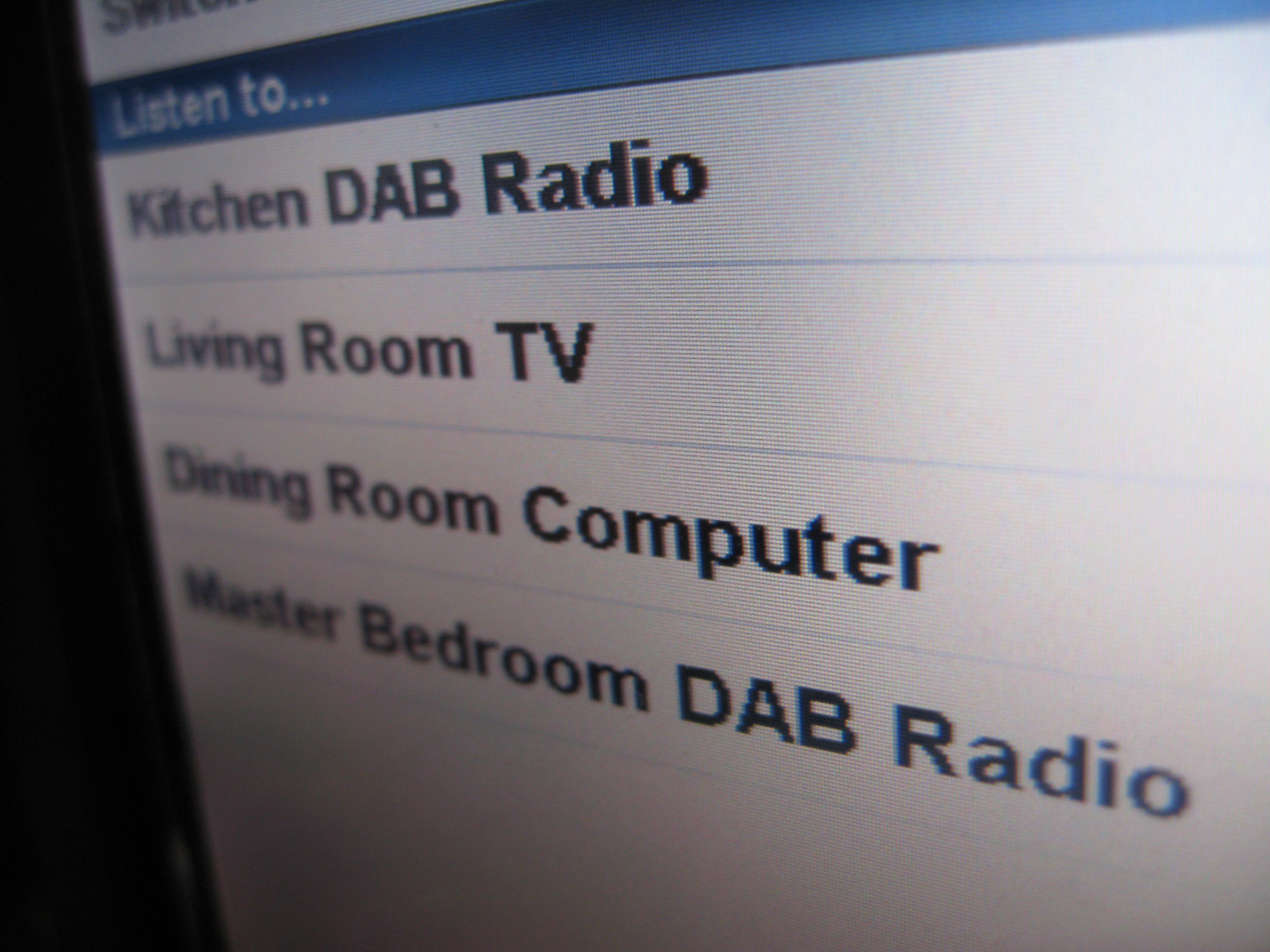
There is currently just the one controller front-end, located in the dining room. To listen to the kitchen radio, for example, all that is necessary is to select the ‘Kitchen DAB Radio’ option from the main menu, then select which of the 4 rooms to play it through - or all of them if you are going to be wondering around most of the house.
Thanks to building the web interface with iUi, the system is compatible with the iPod Touch and iPhone, so they can instantly act as frontends for audio control. A second fixed controller may be added in the master bedroom in time, if there’s enough money available. Each front-end costs about £200 in hardware, depending on what bargains can be found on eBay.
The matrix switcher supports both audio and video. Only the audio channels are used at the moment, so there is the very real possibility of using the remaining 4 output zones to connect to TVs around the house and adding some AV sources. This way it’s instantly converted into a whole-house-AV system. The video signals can be carried over the twisted pair CAT5 cables like the audio, but will require a little more hardware to preserve quality. This hardware is relatively expensive, although savings can be made by building the equivalents by hand. Following the tradition of this project, that’s probably what I’ll do. I have done it before while I was at university and it works beautifully.
12 Jul
One thing that has been lacking since the first build of the rack is ventilation. With both sets of doors closed, the inside can get quite warm, especially when iron is turned on. Not any more though, having just completed the installation of 2 active ventilation zones, lighting and a low voltage power supply system complete with rack-mount control panel.
Air is drawn in at the bottom of the rack by 5 quiet 80mm 12v fans, positioned behind a perforated 2U panel inside the front panel of the base. The air is blown vertically into the cabinet from the bottom through a similar 1U perforated panel. Although the draught is barely noticeable, the difference it makes to temperatures at the front of the rack is significant.
With this ‘air curtain’ alone though, the back of the rack still gets very warm. To solve this I’ve installed a relatively huge 200mm ‘Big Boy’ fan into the newly-added top of the cabinet. This sucks out the warm air and dispenses it into the containing room. Together these fans keep the entire cabinet cool.
To power the fans I’ve used an old ATX power supply. In order to make replacement easy when the supply fails, no modifications have been made to it. Instead, I bought a 20-pin molex connector so that I could just plug the ATX connector straight into my system.
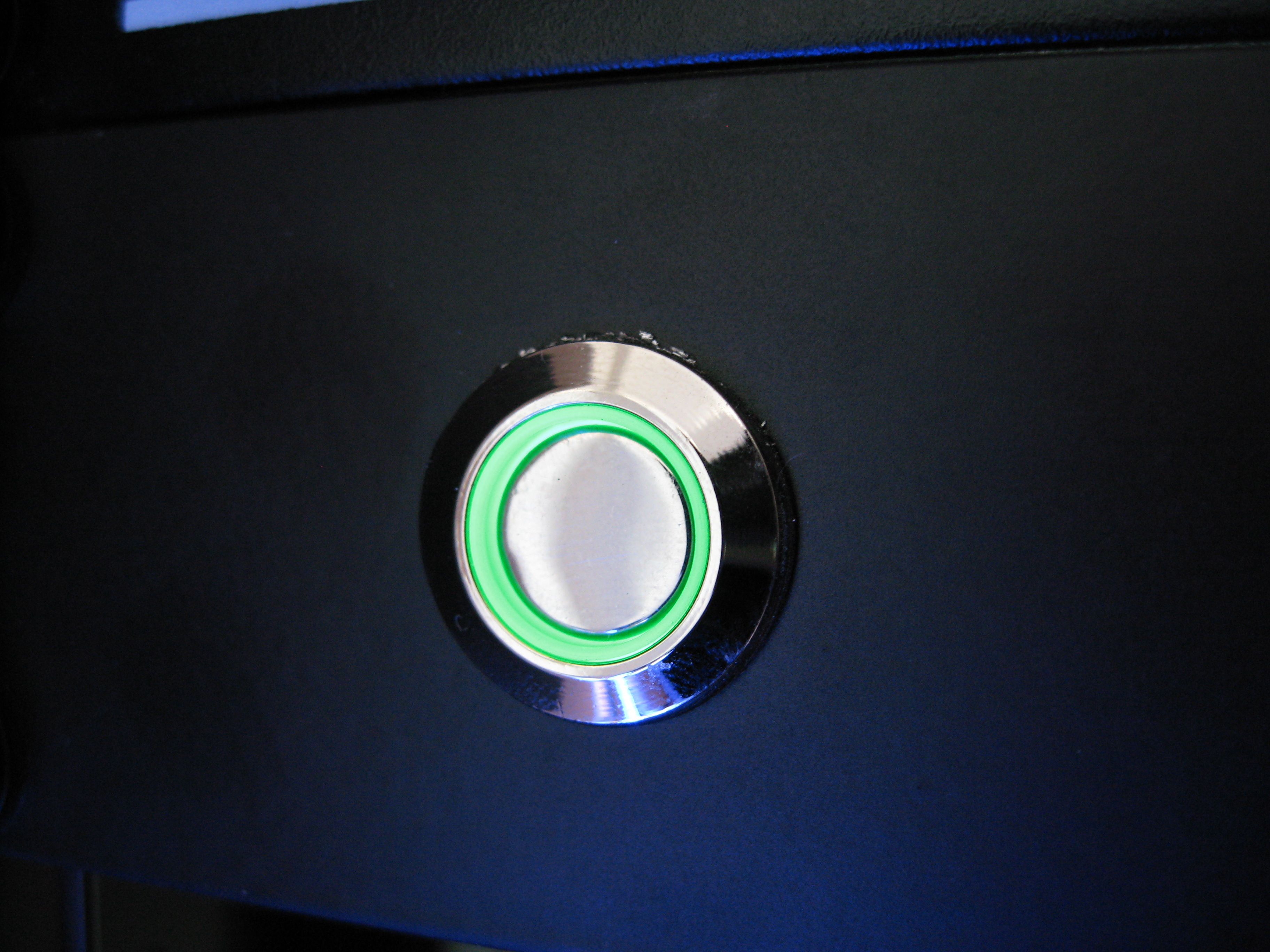
The PSU is connected to 4 switches that are mounted on a 1U blanking panel in the front of the rack. I wanted some fancy switches, so I splashed out on some nice chromed illuminated ones from China (via eBay). There’s one green DPDT switch, which switches the PSU on and off, and three blue SPDT switches which control power to the two fan systems and some lighting.
The lighting illuminates the front of the rack, and is there purely for decorative purposes. I had considered using cold-cathode tubes, but the seller that I got the switches from also sells strips of LEDs encased in a flexible transparent rubber-like substance. They are sold in various lengths, but I thought 96cm would be OK for what I wanted (at the time I bought it to experiment with, thinking that it could illuminate the wall behind my desk). This strip is now mounted on the left-hand front door.
10 Jul
The audio system that I’m building requires 2 low-power computers: 1 for the touchscreen controller (not using an iPod Touch for the moment) and 1 to act as a webserver and serial-console server.
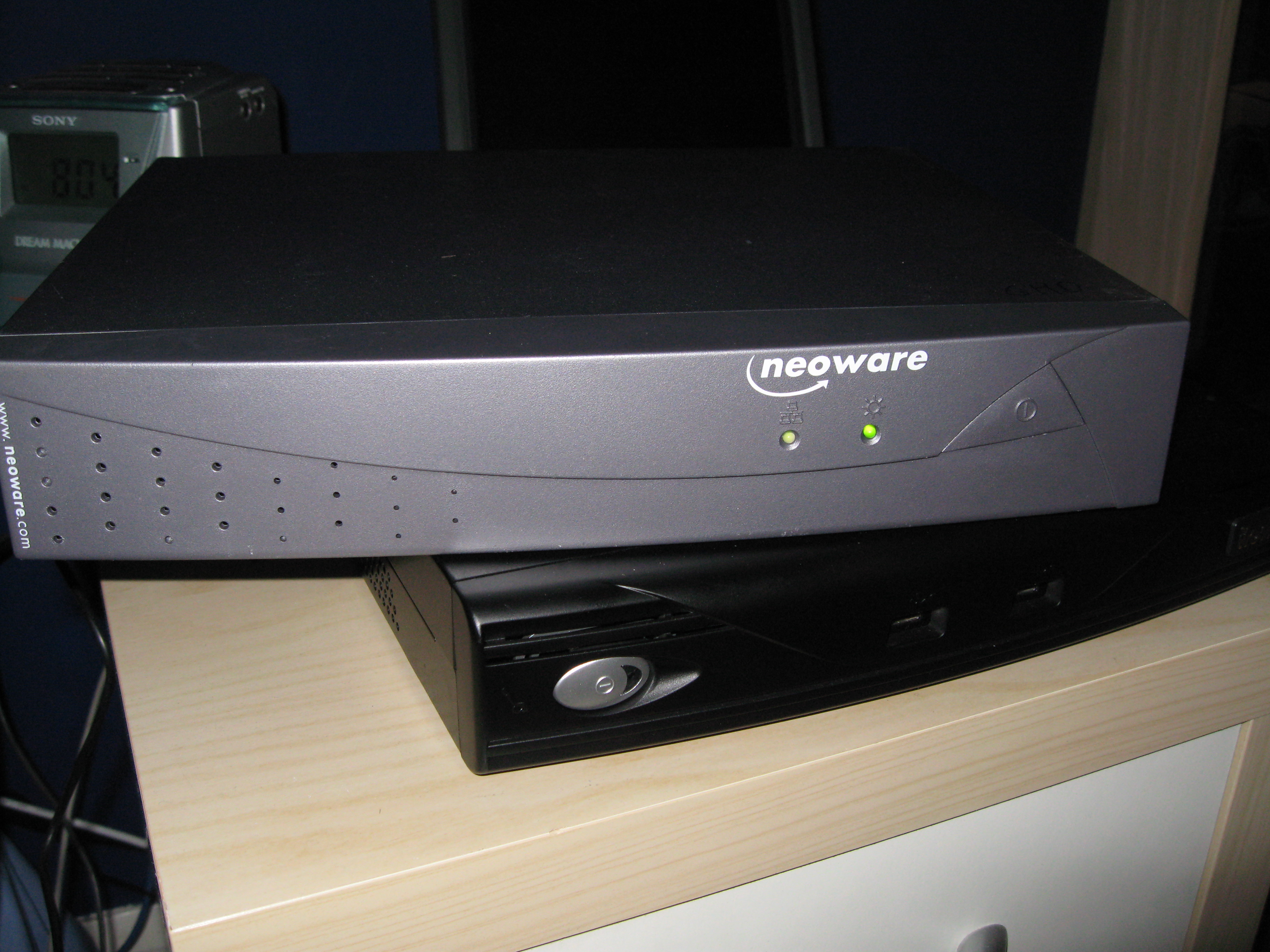
Once again eBay has come to the rescue, and by searching for ‘geode’ - a low-power processor for Thin Clients & Small Form Factor (SFF) PCs - I found the 2 machines that I needed. These are the specs:
magnesium (the black one)
£70 + P&P
potassium (the grey one)
£35 + P&P
Magnesium is used as the client machine, and potassium runs a custom-made webserver and the control software for the VAMS-0808 Matrix Switcher.
Both came pre-installed with Puppy Linux, a lightweight distribution designed for low-power machines such as these. It runs surprisingly quickly, but to make it easier for me to maintain I decided to install Ubuntu.
On such slow computers it took many hours to get Ubuntu installed on magnesium alone. I initially installed to the CF drive that came with the machine. However I found it to be quite slow, so I followed a guide for running Ubuntu via network boot and removed the CF disk. I did the same for potassium. Both booted off of the fileserver, boron.
Unfortunately during installation, I found that the slower of the machines has a tendancy to overheat causing the machine to hang. To get Ubuntu installed I had to remove the case. This has now been rectified by installing a blower to get at least some air circulating. This is the only fan in either of the machines. Magnesium gets quite hot but has never crashed because of it. It also sits in a cooler environment, and is much better engineered.
Sadly I’ve been forced to install Windows XP on magnesium purely because I couldn’t get the touchscreen to work under linux despite spending more than a day trying to. While it was detected, and it detected touches, the calibration was completely off and there was no way to configure it. Rather than waste any more time I decided to switch to Windows and everything has worked beautifuly since then. To accomplish this I’ve had to reinstall the CF disk since as far as I know XP Pro can’t do diskless booting.
Shots of these computers in use and more information on their roles to come soon.
9 Jul
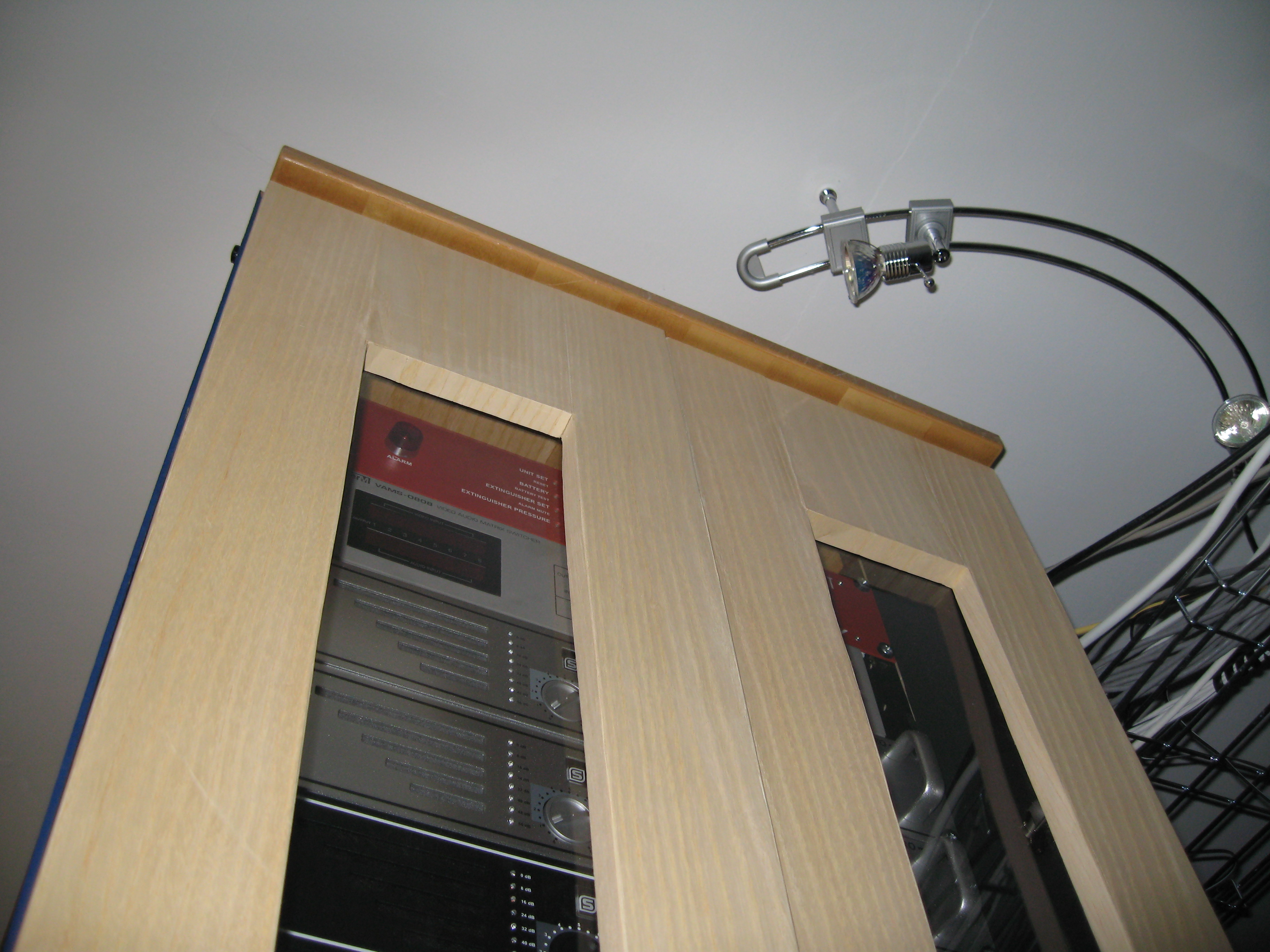
I’ve finally gotten around to fixing the top to the rack cabinet. It’s made from the door of an old storage-only cabinet, which was actually a fridge/freezer cabinet from Ikea. The top has been cut into the correct proportions for a while, but has just sat cluttering my floor until now.
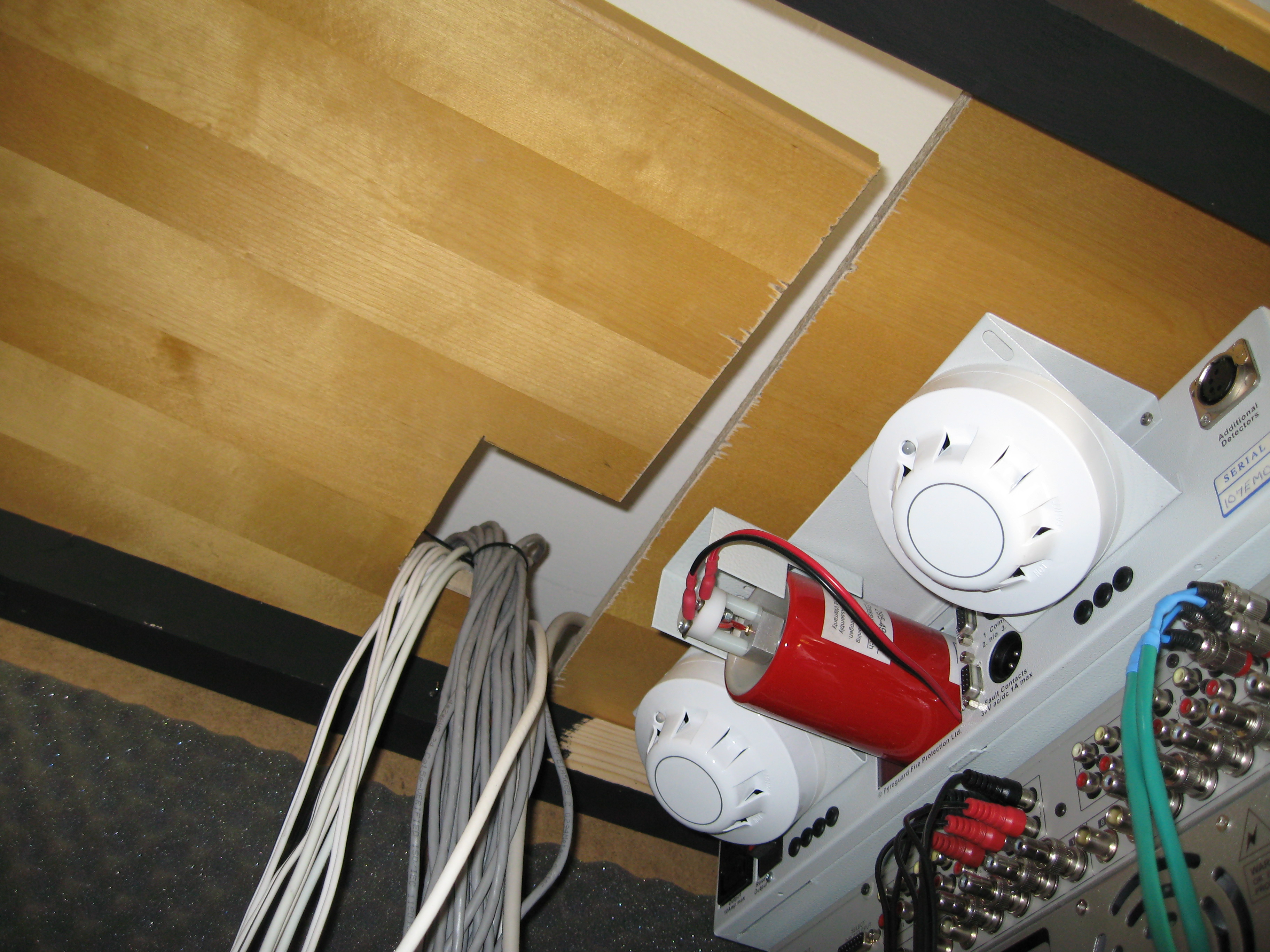
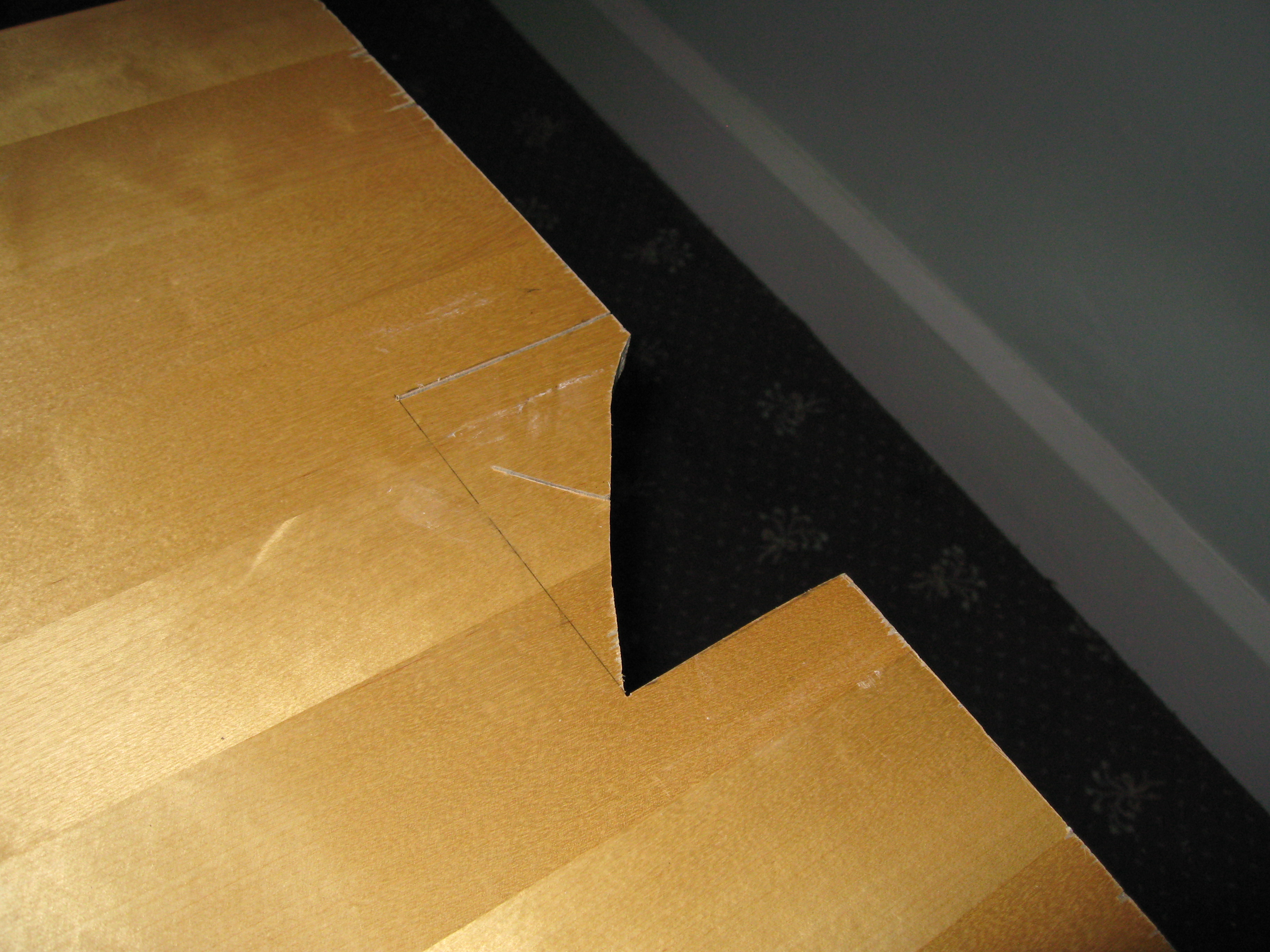
To allow the many cables to enter the cabinet a notch of approx 8cm square was cut out of one of the panels. These two panels could then be slid together without the need to disconnect any cabling already in place.
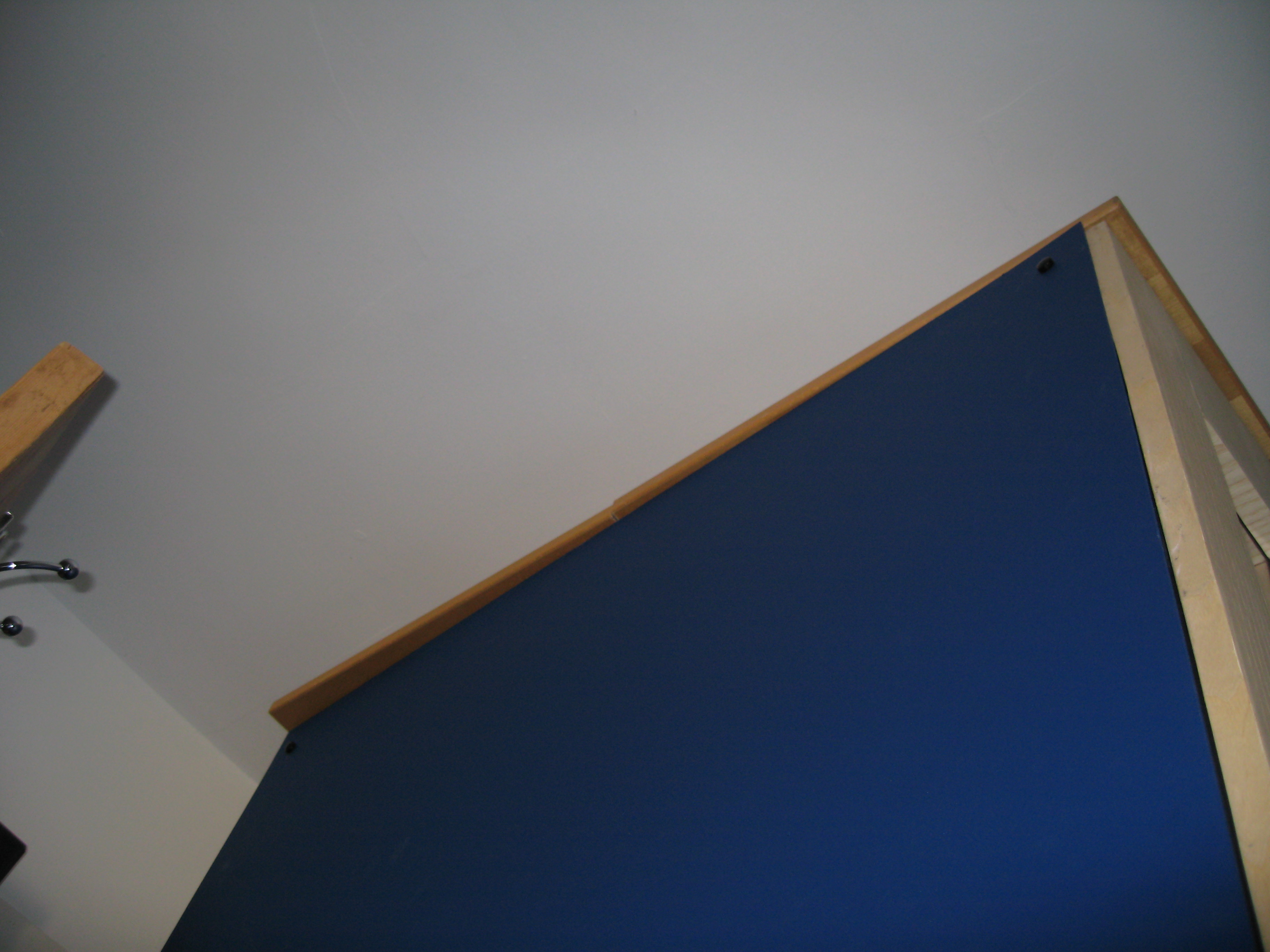
Unfortunately I’ve discovered that the top of the cabinet isn’t exactly square - it’s slightly warped, as the photo below shows when the top had been fixed. I’m not happy with this so at some point I’ll have to put some effort into correcting it. Next time I build a rack I’ll make the top and bottom in more of a similar manner, with a known square-angled piece on which to fit the timber supports.
The top currently has no ventilation, but that will change soon thanks to a lovely huge ‘Big Boy’ fan.
8 Jul
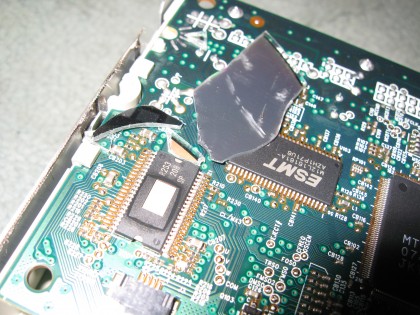
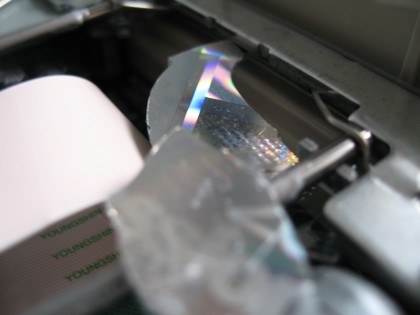
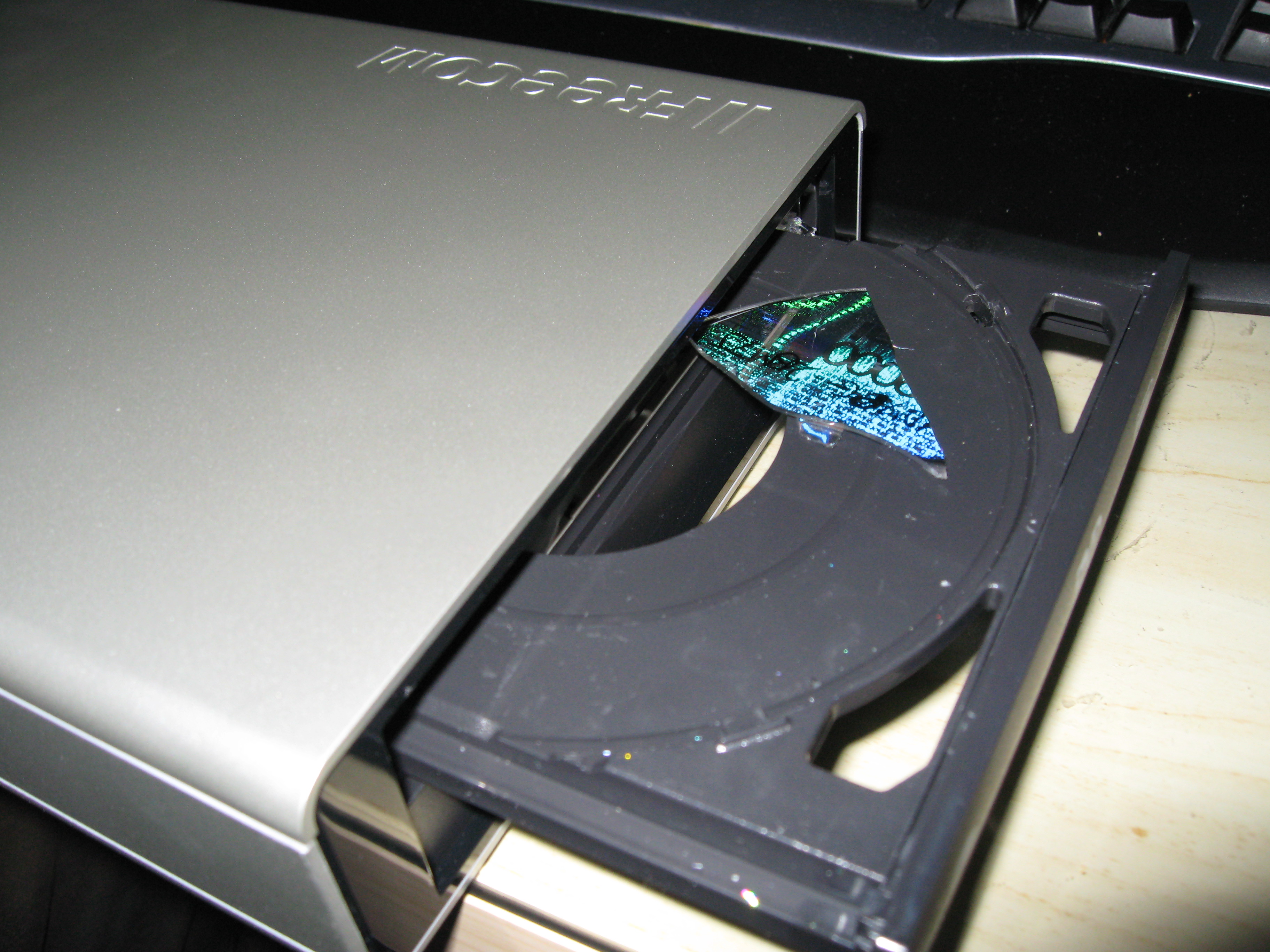
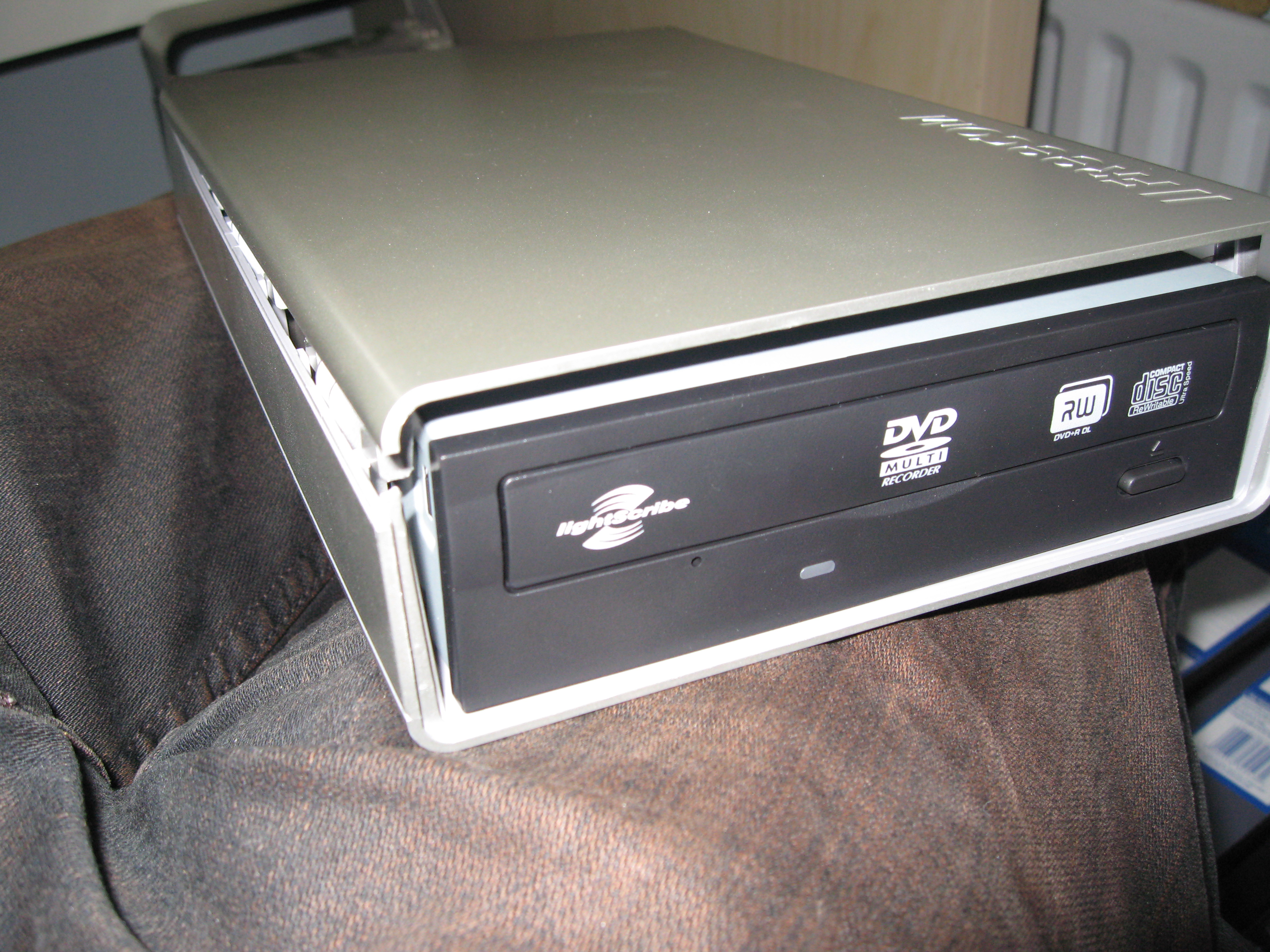
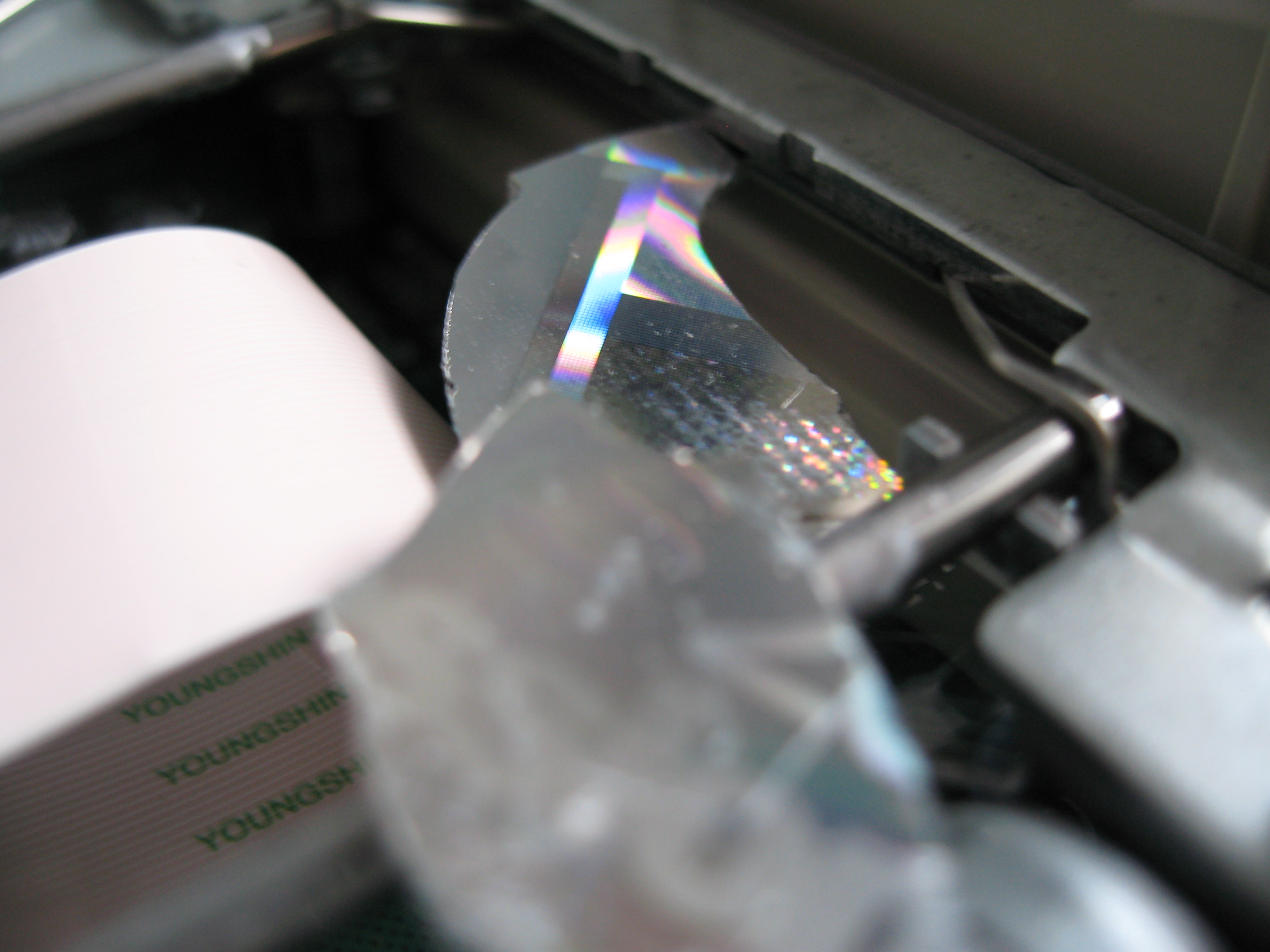
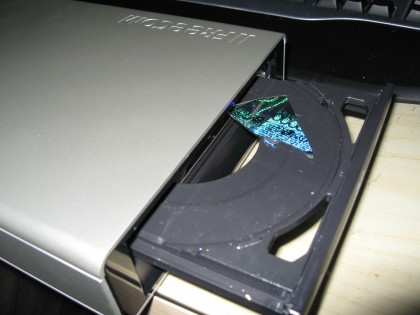
As part of the Whole-House-Audio system I’m building I’ve been forced to install Windows on one of the thin-clients (more details soon). I started off with Windows 98, but found that it doesn’t support USB optical drives - the thin PC doesn’t have any removable media drives - then tried Windows 2000. Everything started off fine, got past the partitioning part and onto copying the initial files. I went downstairs for a few minutes and on my return I noticed that the installer had stalled and the drive was making an odd noise. Thinking that the disc may have just become dislodged I ejected the drive to find the fragments shown above.
The genuine Windows 2000 CD, made back when MS first started off making the cool shiny holographic CDs, had completely disintegrated in the drive. There were no obvious defects when it was inserted, so I can only surmise that the discs weren’t manufacturered with todays high-speed drives in mind.
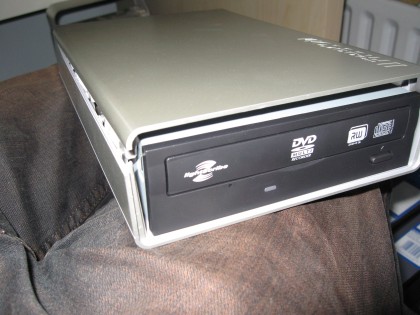
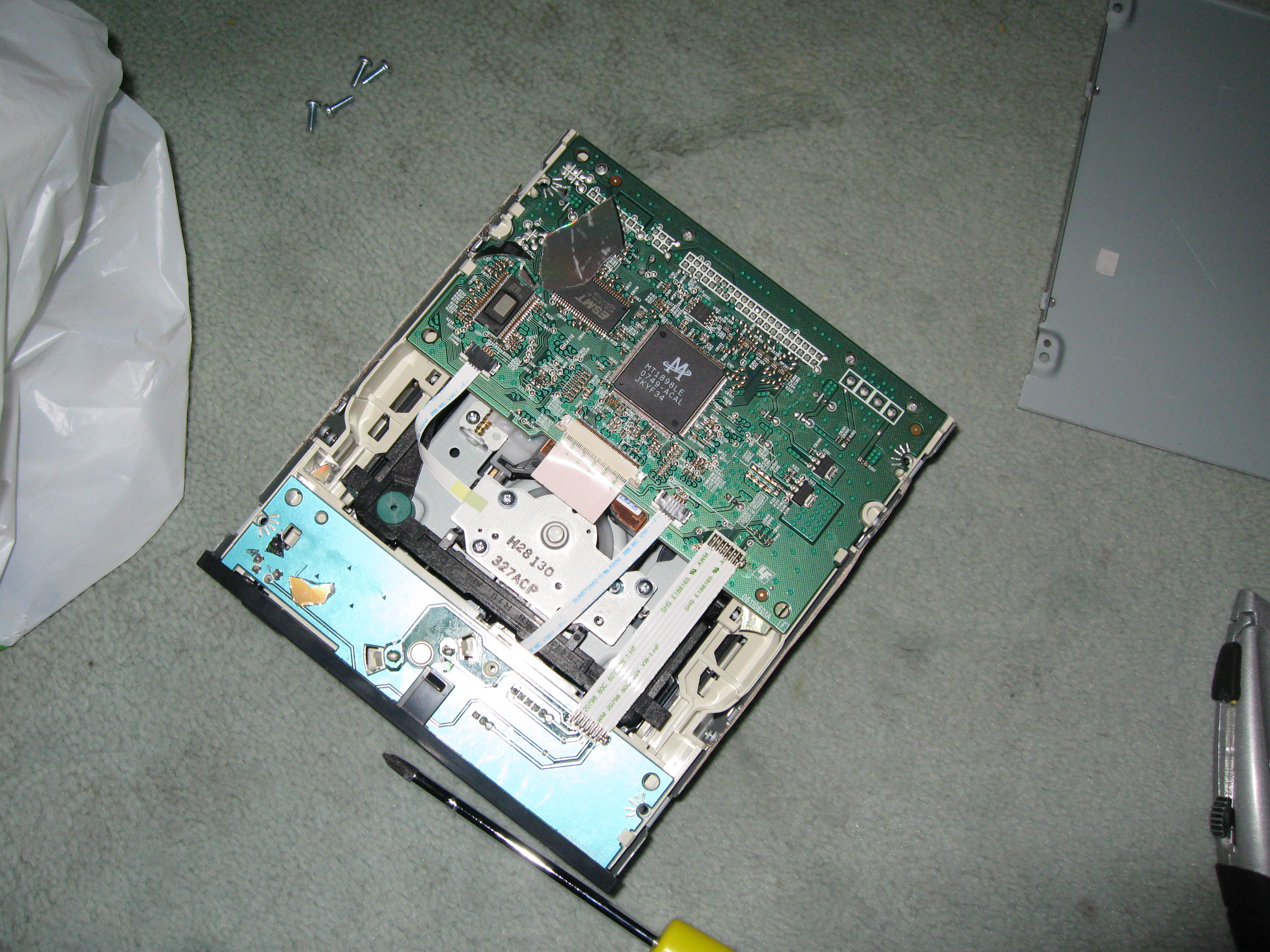
The USB DVD-Writer was new, having only unwrapped it a few hours earlier. There’s no way that an exploding CD would be covered under warranty, so I chose to attempt to fix the problem. Dismantling the enclosure and drive was harder than I thought, but I learned a lot about the good build quality of them in the process.
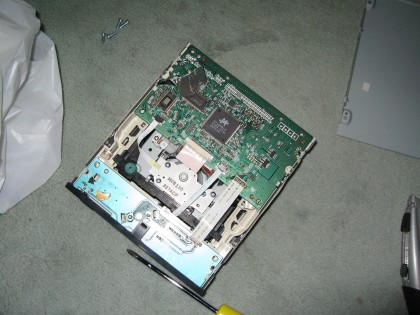
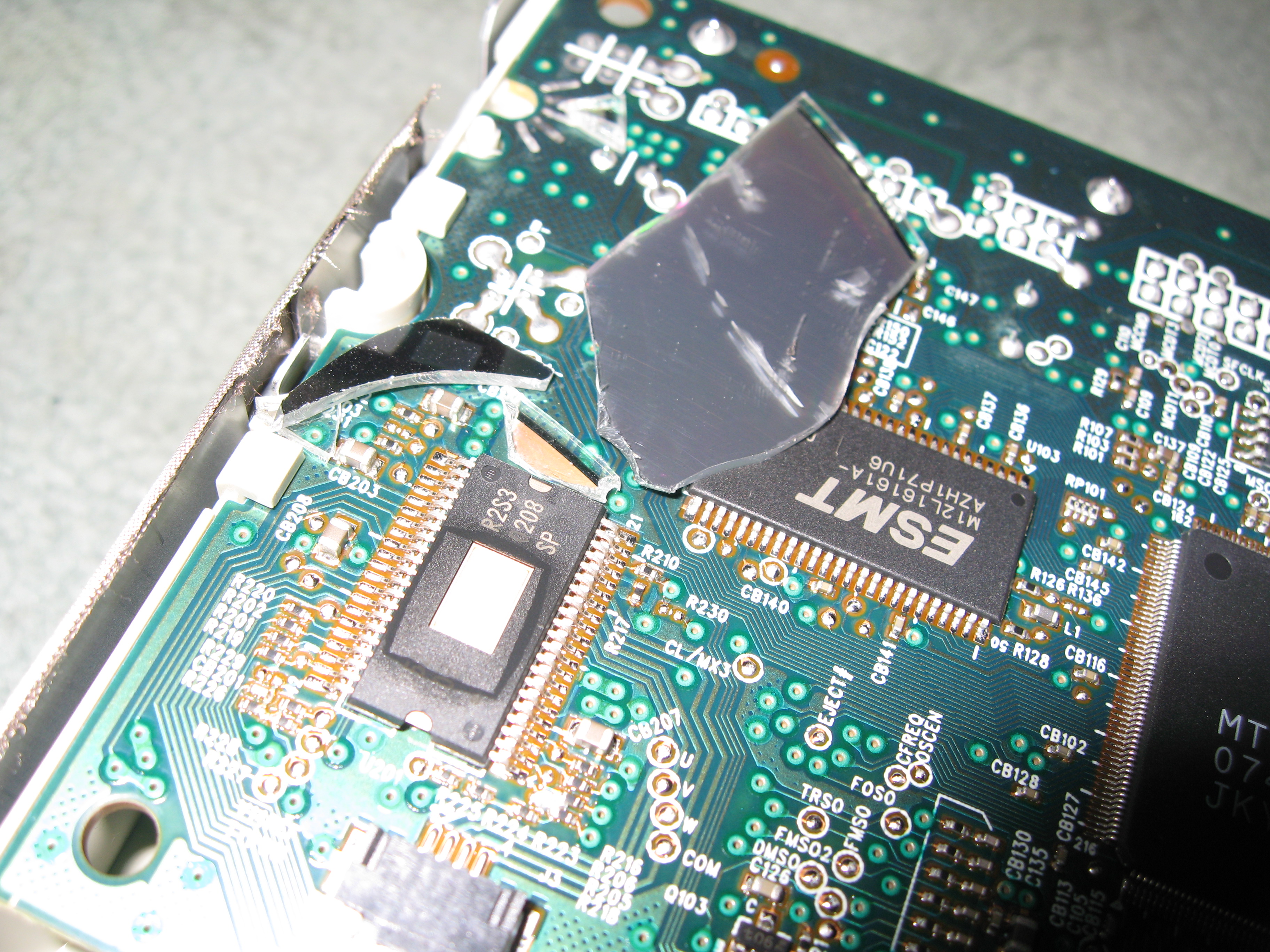
After removing the large shards by hand and using an air duster (outside) to remove the tiny fragments, I reassembled the drive. Fortunately it seems to work, at least the reading part does. The writing part caused errors when I tried it on one machine, but that could just be down to that machine. Since I now had no working Windows 2000 CD I ended up installing XP SP2.
Coincidentally a few days earlier I had Stumbled across an article discussing an experiment to find out the fastest that optical media could be spun before disintegrating, with some quite scary findings about just how much damage the resulting shards can do. I can’t find that article, but here’s something a little less scientific-looking.
6 Jul
The weak-signal problem with the MythTV PVR downstairs has been mostly resolved by replacing the coax cable between the computer and the booster by a wider diameter hand-made one. This has helped greatly with improving the signal although it’s not completely perfect. About 80% of recordings now succeed and are watchable. The remaining failures are bearable. The plan to move to satellite has hence been put on hold until things get worse.