
So you’ve been doing projection in your theatre for a few years, projecting some photos and a video or two onto a cyc at the back of the stage, but now you’re looking for something a little more impressive – what can you do? Here’s a few ideas. Continue reading “Projection in Theatre – Special Effects”
Category: Geeky
Virtual Theatre
About a year ago I started investigating if it would be possible to create an immersive, engaging and realistic virtual presence experience for live theatre. The general idea would be to construct a live 3D representation of a stage, then allow a remote audience to select where they would like to see the show from. Perhaps virtual cameras could be used by a live video production team to broadcast a show with pre-defined edits, but without cameras interrupting the view or distracting the audience that is physically present in the theatre at the time. Those viewing remotely could use a Virtual Reality headset to watch the show, looking around them as they wanted, or even getting up and moving around without the risk of verbal abuse and projectiles being thrown at them. Continue reading “Virtual Theatre”
Selling Up
Back when I lived with my parents, I had a great time building various projects, which even won me a car. I put a lot of hard work and money into building a rack from scratch, creating a whole-house-audio system from various parts along with the software, and wiring up the house for networking.
Well, the time has come to dismantle many of my projects. My parents are itching to put my old room back to use, and I need to gather as much cash as I can for an exciting excursion to the other side of the world next year. I have felt some tears forming, but I just remind myself what it is in aid of and all of the unknown projects that are yet to come.
I have started listing much of the equipment on eBay. If you’re interested in home automation, want to build your own rack, or you have a professional need for some of the AV equipment then please take a look and bid on things that take your fancy.
More equipment will be added tomorrow – mostly the PCs that I no longer use. This includes 2 rackmounts and an old gaming rig.
Blowing a Raspberry at my media centre
Not long before Christmas, as part of a new AV system, I installed an Acer Aspire Revo as a frontend for my now well established MythTV setup. This works great, but it did set me back a fair amount.
Today I took a look at the Rasberry PI website and found this video:
SqueezeBox on a budget
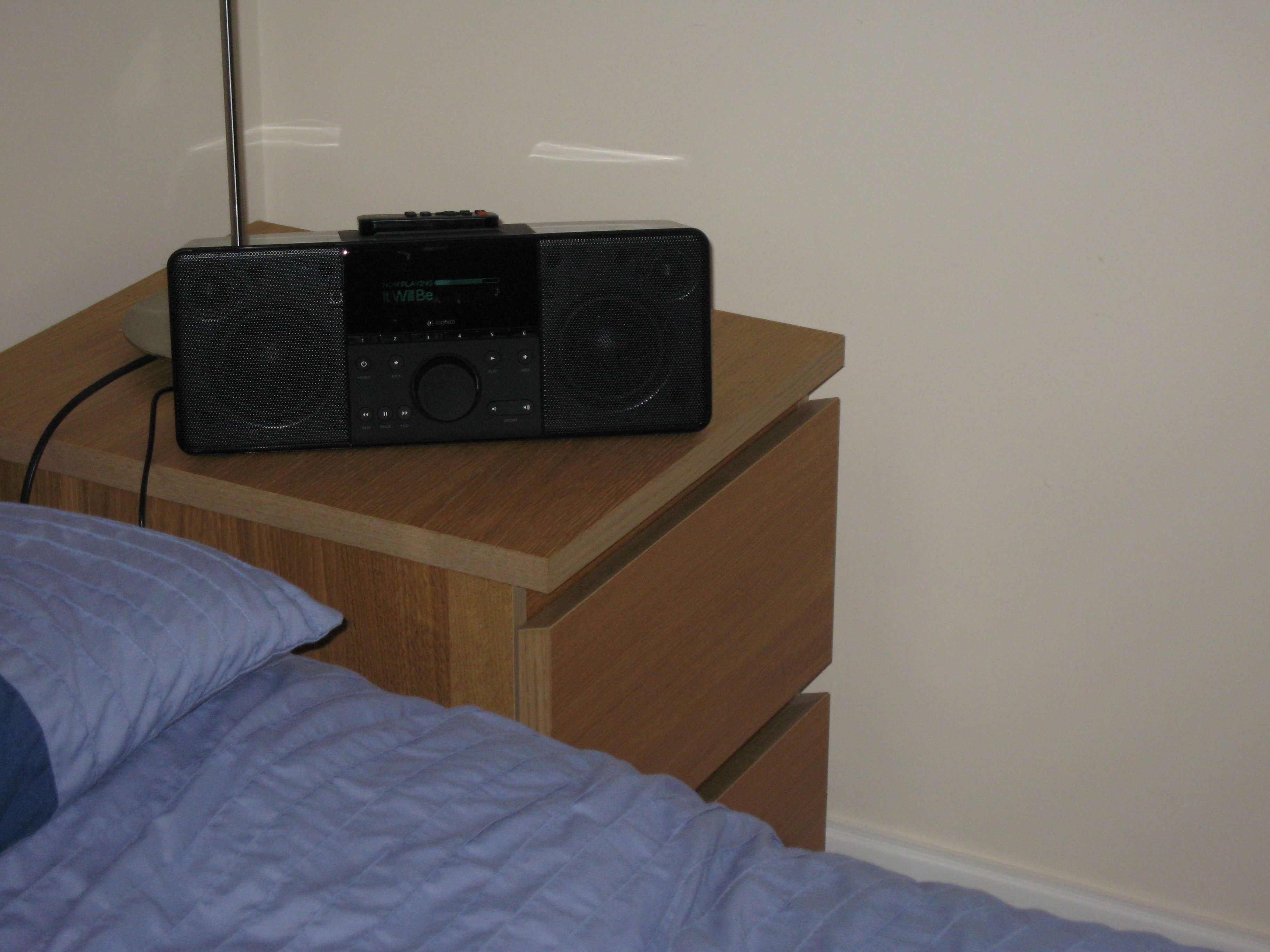
The SqueezeBox series of devices from Logitech has got to be one of the best media streamer ranges out there. Not long after I moved into my flat I bought a SqueezeBox Boom and it is awesome. Fantastic audio quality with an almost impossible amount of bass from a small single-unit stereo now sat next to my bed.
The downside to the SqueezeBox devices is that the quality comes at a price, one which is impossible to justify at the moment. However, it happened that the following year O2 were having a fire sale of their Joggler device. I snapped one up for the bargain amount of £50 with the intention of using it as a home automation controller.
Well, the automation dream also comes at an even less justifiable cost and so the Joggler has been sitting idle in a drawer waiting for a project to bring it back to life. Thanks to the UKHA mailing list it now has a purpose. My Joggler has been reborn as a budget SqueezePlayer having followed some really easy steps.
With it connected to my surround amp, I can now stream music from my existing SqueezeBox Server and even control it remotely with a web browser. One less bit of idle kit, one new feature, and at £100 less than it would otherwise cost.
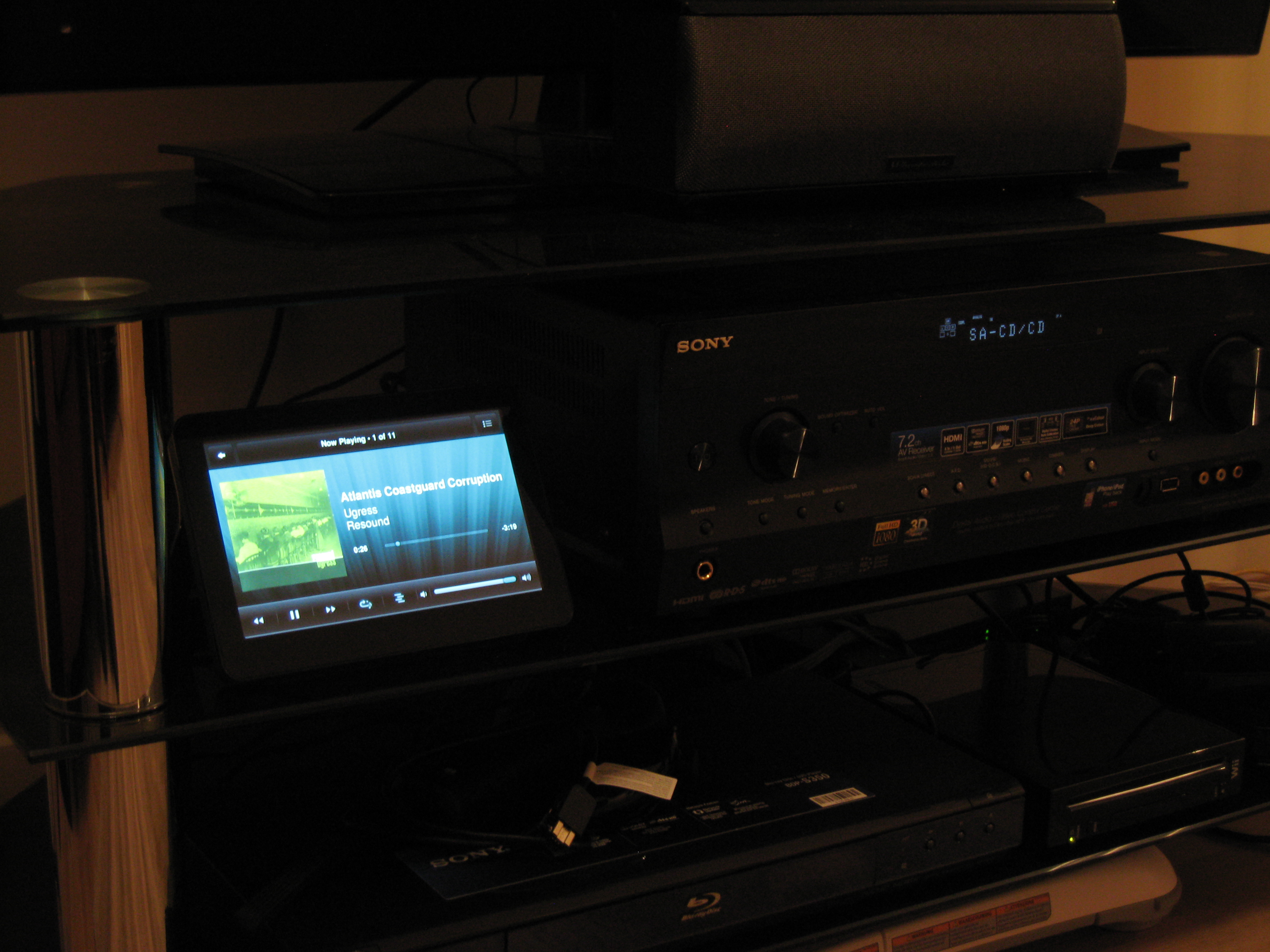
The Joggler is a popular device for customising, and there are Ubuntu builds available for it (rather than the onboard O2 OS). If you want to play with one, they are no longer available for sale from O2, so you will need to look on eBay or similar.
Computational Heating
This morning I really struggled to get out of bed. Being very tired still, in a nice warm bed while outside it was -7 °C and my room probably wasn’t far off that, it took some convincing that I really did need to go to work. While laying there, between drifting in and out of consciousness, I got to wondering if I could make my room a little warmer without changing the central heating settings or adding another heater. I had the idea that I could set up my computers to respond to temperature.
Power monitoring with CurrentCost
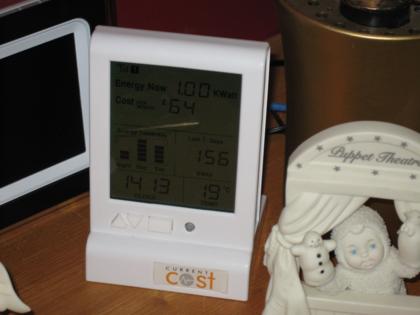
The CurrentCost power monitor has become very popular amongst amateur home automators and those technically-savvy who want to keep an eye on how much electricity they are using (and ultimately how much they are going to have to pay in bills). A couple of months ago I purchased the CurrentCost device and a USB cable to connect it to a computer from eBay. Having just seen their eBay store, it looks like they’ve got a fantastic new model on the way, but this article is about the older version.
Whole House Audio system: version 1 is complete
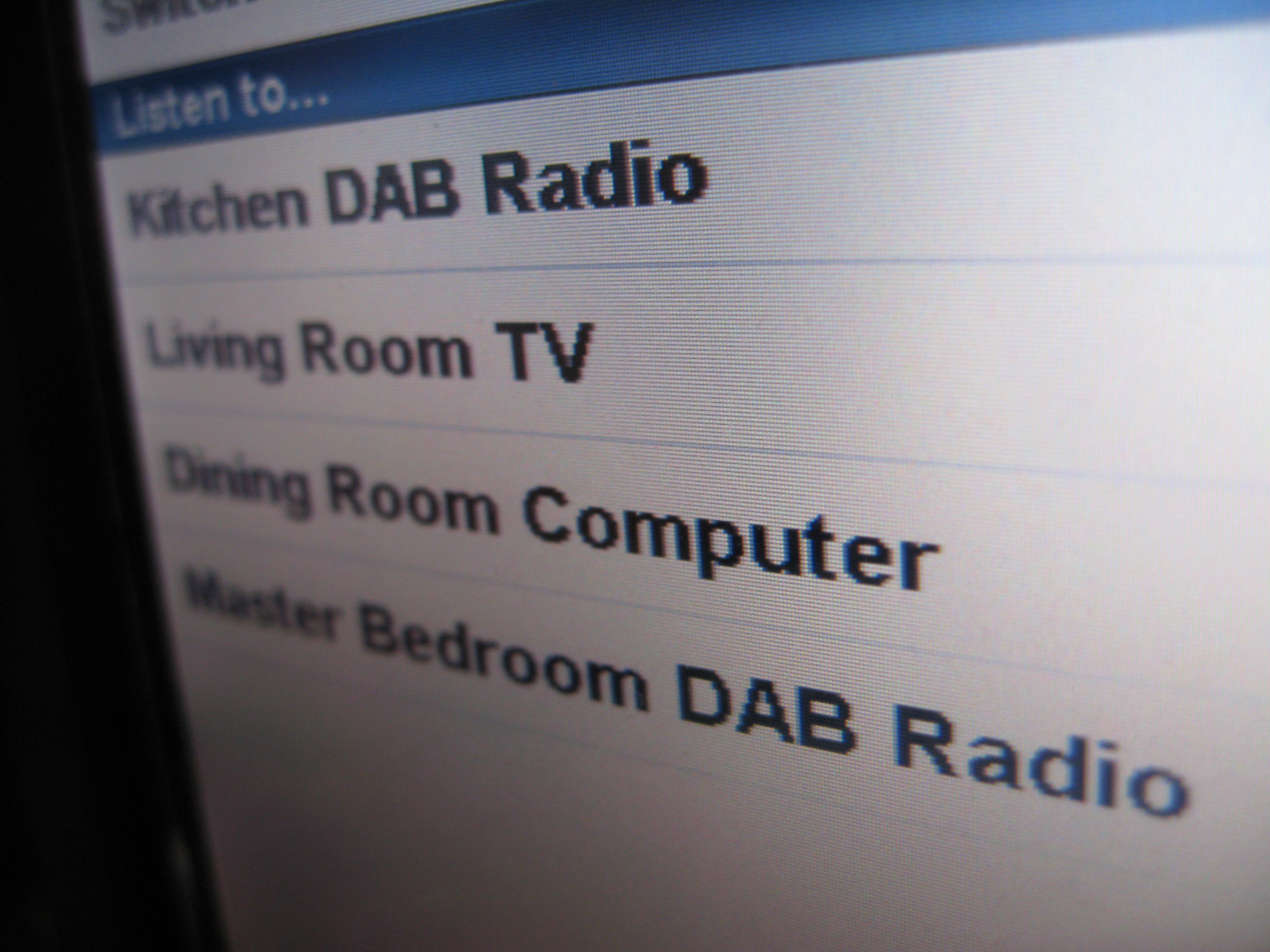
Over a year after it began, the whole-house-audio project is complete. 4 rooms around the house can now be filled with the sound of any of (currently) 4 audio devices thanks to a mixture of hardware and software.
Continue reading “Whole House Audio system: version 1 is complete”
Low voltage power supply, ventilation & lighting
One thing that has been lacking since the first build of the rack is ventilation. With both sets of doors closed, the inside can get quite warm, especially when iron is turned on. Not any more though, having just completed the installation of 2 active ventilation zones, lighting and a low voltage power supply system complete with rack-mount control panel.
Continue reading “Low voltage power supply, ventilation & lighting”
Another HTPC and a TV more than worthy of it
One of the things that has been lacking in my bedroom is a TV. I can watch recorded TV programs, DVDs and other videos on my PC, but not at the same time as relaxing on my bed. While I had a week off work I was looking around the Dabs website and ventured across a real bargain of a TV (now discontinued). It supports full 1080p HDTV as well as being a relatively huge 37″ all for just £539. I couldn’t pass this by, so I spent a while doing investigation work and finally decided to take the plunge and buy the thoroughly indulgent item.
When I designed the rack, the idea was that I would eventually get an LCD TV and it would be mounted to the side of the rack. However, it now contains so much equipment that the weight has become a bit of a concern. To avoid problems with the rack castors collapsing under the load – or even the floor of my bedroom doing the same – I decided to mount it in a more traditional location, on the wall at the foot of my bed (though I had to turn my bed around to make it the foot).
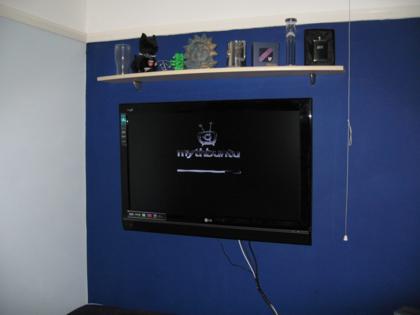
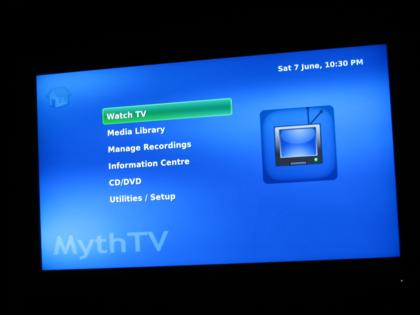
Now I needed something decent to connect it to, with the ability to run MythTV and watch video at possibly 1080p resolution. Boron used to live in a HTPC case, but it started getting a little crowded and warm and with the construction of my rack the innards were moved to a 19″ case. That meant that I’ve had a spare high-quality case lying around doing nothing for a while. Now I had the opportunity to bring it back into service.
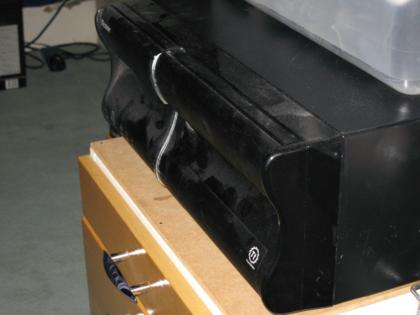
The Core 2 Duo in my gaming machine has done nothing but impress with its performance and cool running, so I knew what I wanted to base this new machine around. The E7200 2.53GHz was the cheapest Core 2 available on Dabs, so into the basket it went. I wasn’t too bothered about having a high-spec for the rest of the system, and indeed it needs to be farily quiet and cool so for graphics I went with the Asustek Radeon HD3450 256MB and a cheap-but-capable Gigabyte motherboard.
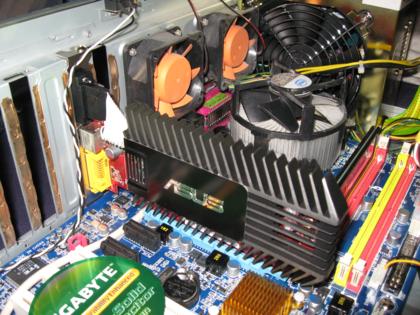
The processor ended up getting swapped for the slightly slower one in aluminium, so I got a small upgrade for gaming at the same time. For the OS I’m currently experimenting with MythBuntu for amd64. I’ve also taken another look at LinuxMCE, which I might give a go some time.
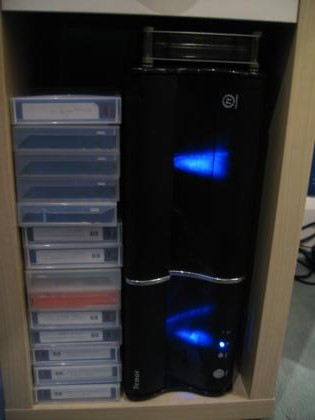
The new machine was named barium, and sits fairly neatly under my bedside table.