killswtch.net

A geek’s thoughts on various stuff

mvpmc and Fedora

I’m really starting to dislike Fedora. It’s bloated and breaks so easily. Unfortunately it currently runs my primary server which hosts DNS, DHCP, SMB and OpenVPN server.

A few weeks ago I finally found my MediaMVP box hidden away in one of the draws in my bed. I’ve used it before to run mvpmc, a client for the MediaMVP which presents a simplified MythTV front-end. This was back on FC4 i think (maybe FC5). Now I’m using FC7 but I’ve discovered, after a lot of pain, that the default DHCP server in Fedora does not work with mvpmc. I don’t know and don’t care why it doesn’t work, but at least I’ve now got a successful DHCP server running on my Unbuntu system - only problem is that system is only on occaisionally. If I can get VMWare Server running on boron though, I can get an Ubuntu VM set up purely to run the DHCP server until I can get around to completely replacing Fedora with the more fashionable (and much more reliable) distro.

So a note to people wanting to boot mvpmc: don’t use Fedora to host your DHCP/TFTP servers.

Another note: there’s a new version out (after 10 months of waiting!).

If you’re interested in open-source media centres, I’m intending to write an article about MythTV and mvpmc, with reference to how it’s being set up in our house.

  • 0 Comments
  • Filed under: Fedora, MythTV, Software
  • Wiring the house

    dscf0024.JPG

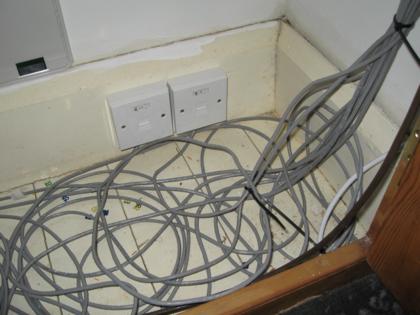
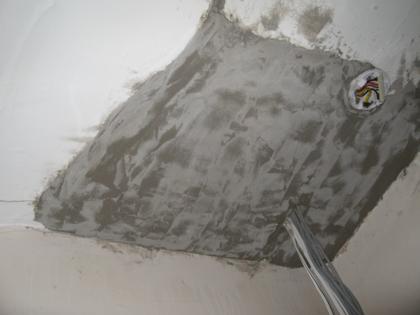
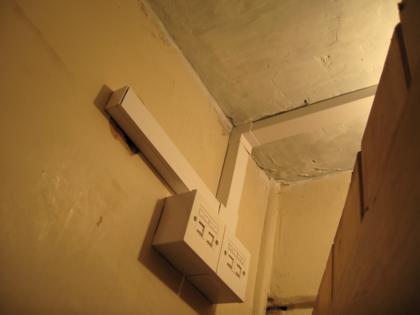
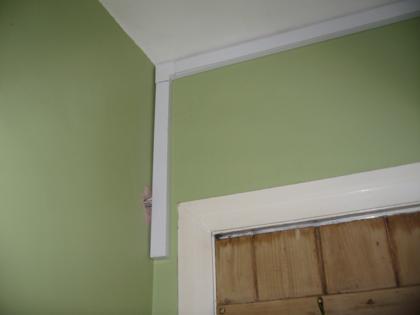
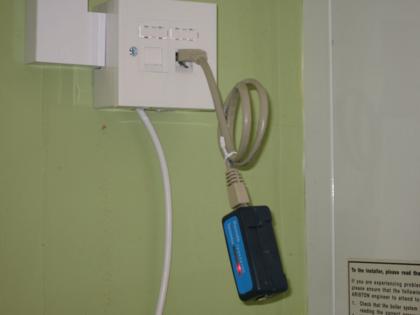
    Before we moved into our new house, I lifted some of the carpets and floorboards and installed some runs of cat5 and speaker cable. In total there are 24 cat5 cables and 4 pairs of speaker cable. I’m not sure the length of network cable that was used, but a rough estimate is 400m - not quite as impressive as some other installations I’ve seen details of, but it’s a fair amount to pull on your own! I know exactly how much speaker cable was used though, because I used the whole reel - 100m.

    Read the rest of this entry »

    img_1238.JPG

    This project is intended to investigate the possibility of, and hopefully build if successful, a home-made externally-controllable matrix switcher with 8 inputs and 4 outputs using parts that cost a total of < £100 (excluding the external equipment such as amplifiers, speakers and cabling). The quality of the audio must be acceptable, but I'm not expecting it to be perfect - that's why the expensive matrix switchers exist. It just needs to serve the purposes of a small house.

    Read the rest of this entry »

    Project Names

    I have currently have a two different naming schemes in use, to identify my various computers and networks. My home network is called ‘elemental’, and each node attached to the network that has an IP has a name taken from the periodic table of elements. The computer I’m typing this on at the moment is called ‘aluminium’ … because it’s got an alumimium case. My external severs are under the ’sol’ network, which currently only has one node called ‘earth’.

    Now I’ve had the idea of naming my various projects. I just need to come up with a naming scheme. Maybe subatomic particles? There are enough of those to keep me going for a while, especially once CERN get the LHC (what a lovely retro site) experiment running. Let’s try that:

    • Project Electron - The rack cabinet (contains most of the other projects)
    • Project Gluon - Cat5 wiring (holds stuff together, in a network sense)
    • Project Quark - Audio distribution system (Quark in DS9 is a Ferrenghi … has big ears … can hear well …)
    • Project Proton - Security & surveilance (can’t think of an excuse)
    • Project Neutron - MythTV install

    Of course, unless I’m going to name things after various versions of some of the particles (up quark, down quark etc.), it is actually quite limited for the time being. And not being a physicist (beyond A-level) doesnt help.

    I can’t think of any other schemes at the moment.

    Hmm, this has turned into quite a monologue. I think I’ll shelve the idea for the time being, unless someone can come up with better suggestions.

  • 0 Comments
  • Filed under: Geeky
  • DUOS posters

    DUOS approached me several months ago and asked me to produce a poster for a concert in Durham Cathedral. Apparently they liked it so much that they’ve come back and asked me to do 2 more for some concerts in December :) I’m not a professional designer, but it’s nice to have a go at designing something that’s not a website.

    The first poster:

    DUOS Poster - 17th June 2007

    This design was based around the theme of the main piece of the concert - death’s fiddle striking up.

    First design for concert on 1st December:

    DUOS Poster - 1st December 2007 (Version 1)

    This one was inspired by the only reasonable artwork I could find for one of the pieces. The original was landscape, so I had to take some liberties with Photoshop and apply it over the top of a photo. While the result was ok, it wasn’t particularly easy to read and was very busy. This design was dropped in favour of the one below.

    Second design for concert on 1st December:

    DUOS Poster - 1st December 2007 (Version 2)

    Much simpler, going back to the violin cliché. It does the job.

    Poster for concert on 6th December:

    DUOS Poster - 9th December 2007
    This one was inspired by a tutorial, although I didnt follow it to the letter. I’m afraid I can’t lay my hands on the link at the moment, but I StumbleUpon’d it, so click that Stumble button a few times and you might find it!

  • 2 Comments
  • Filed under: Design
  • My DIY 19″ Rack

    The (almost) completed rackThis project started off as being a cheap way to have a 19″ rack in which to mount my growing amount of equipment and future projects. It turned out to not be as cheap as I’d hoped, and it’s taken several months of intermittent work to (almost) complete, but I’m pleased with the results.

    There are still a few finishing touches to be done, such as adding the top, adding the lock to the rear, mounting the new bolts to the front door, cutting out the bottom ventilation hole and adding some fans. Future modifications could include adding lighting and environmental monitoring/control.

    Below is a photo log showing how it was done.

    Read the rest of this entry »

    SSH brute force attack prevention

    The standard SSH server does not come with any usable form of SSH brute force attack prevention, but with a few firewall rules it’s possible to implement something that works quite well. I have set up the rules on 2 machines with great success. To make sure that I dont get locked out accidentally though I added an extra rule before these to allow access from my trusted network. If you only have remote access to the machine, it may be a good idea to do the same.

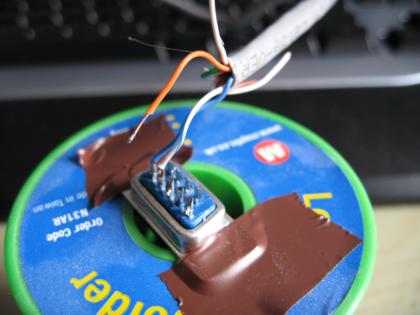
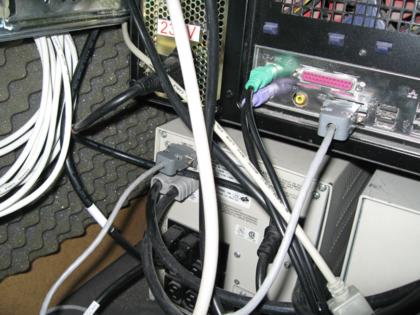
    Several years ago I bought a 2.4KVA UPS for the bargainous price of £90, and it’s still working nicely. It’s kept my computer running for about an hour in the past, and I’m glad I have it since power cuts used to be quite frequent around here.

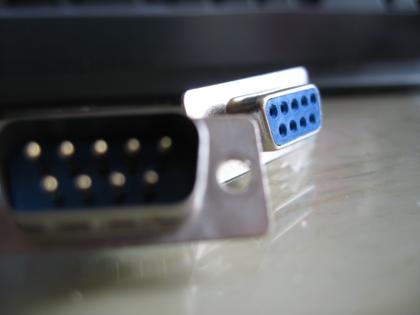
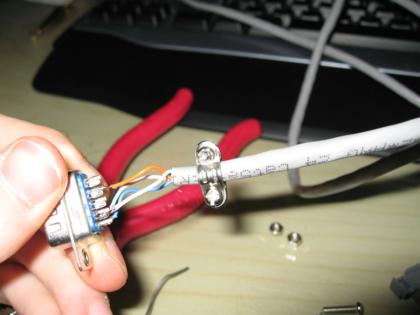
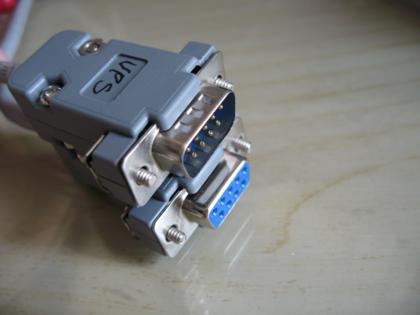
    Now I’m looking to get it hooked up to a computer so that it’s status can be monitored and systems can be safely shutdown if I’m not around. UPS serial connections don’t quite use standard RS232 pinouts and communications - it’s kind of a hybrid between RS232 and a more basic status-line implementation. The cables that connect UPSes to their monitoring machines generally require special wiring. In the case of the Compaq T2400h, this is what’s required (taken from a post by the guy who was the source of my UPS):

    Male -> Female
    1 -> 3
    2 -> 2
    4 -> 5
    6 -> 7
    and 4 <-> 6 on the female side are linked

    Note that this pinout is unconfirmed, but I will be attempting to make one of these cables to test it, and hopefuly get it working with NUT.

    Update: I found some information on using a T2400h with NUT, which includes a confirmation of the wiring of the serial cable.

  • 0 Comments
  • Filed under: Hardware
  • Core 2 Duo vs Pentium 4

    Recently I have upgraded from a P4 3Ghz (S775) to a Core 2 Duo E6550 (2x 2.33GHz with 4MB cache). The difference in performance is astounding. I’ve not managed to find anything yet that will slow it down to cause any noticable problems with performance.

    The cores also run incredibly cool. Before the upgrade, my P4 ran at between 50 and 60 decrees C with quite a substantial heatpipe heatsink + fan. With the stock cooler, each core of the Duo runs at between 30 and 40 degrees. Couple this with a stock cooler that supports PWM (and a mobo that does the same) and I’ve ended up with a much quieter and cooler system than before.

    I can’t compare to AMD’s offerings cos the only AMD machine I have is a Duron 800, but you currently have a P4 I highly recommend the upgrade. You may, as I had to, need to upgrade your motherboard too, but I needed to do that anyway.

  • 0 Comments
  • Filed under: Hardware
  • Bioshock

    If it wasn’t for having to install Azureus Vuze after the required clean install of my Vista machine, I wouldn’t have even heard of this game. I seem to have avoided all of the media hype surrounding it. Read the rest of this entry »

  • 0 Comments
  • Filed under: Gaming, Software